AvertSignal Insights
Answers for business owners protecting the systems that bring in customers.
Clear guidance on CRM, forms, calls, bookings, tracking, local visibility and the handoffs where leads disappear.
 Featured · Lead Loss Prevention
Website Is Up but Not Getting Leads? 12 Things to Check
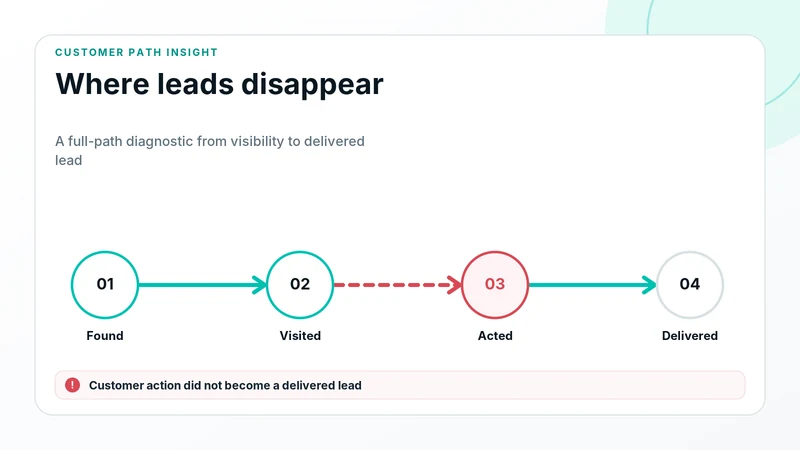
Website online but leads dropped? Check traffic, calls, forms, bookings, tracking, notifications, CRM delivery and follow-up before blaming demand.
Read the featured guide →Business-owner resource library
Real questions. Direct answers. Better protected customer paths.
 CRM & Lead Management
Why Is a CRM Important for a Small Business?
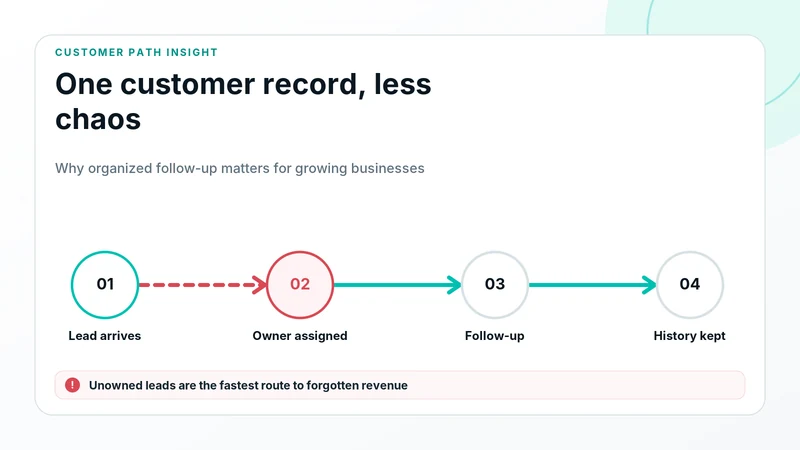
A CRM helps a small business organize leads, follow-up, customer history and sales activity. Learn when you need one and what it cannot protect alone.
Read the guide →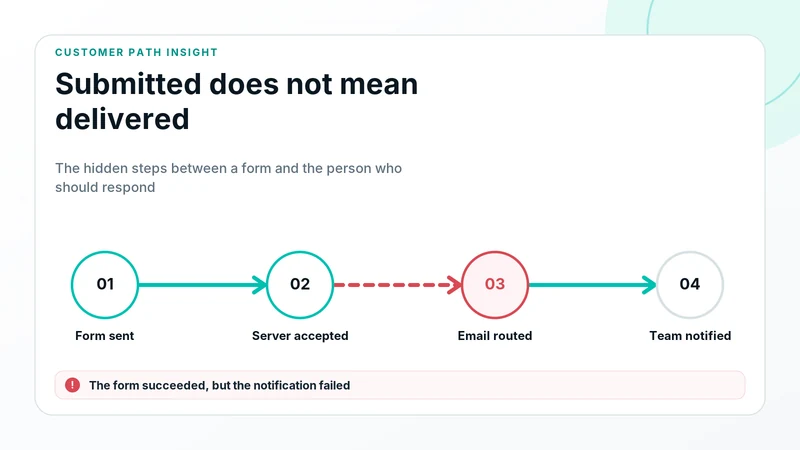 Forms & Lead Capture
Website Form Not Sending Emails? Causes and Fixes
Contact form submits but no email arrives? Diagnose SMTP, spam filtering, recipient settings, plugins, webhooks, CRM delivery and conditional routing.
Read the guide →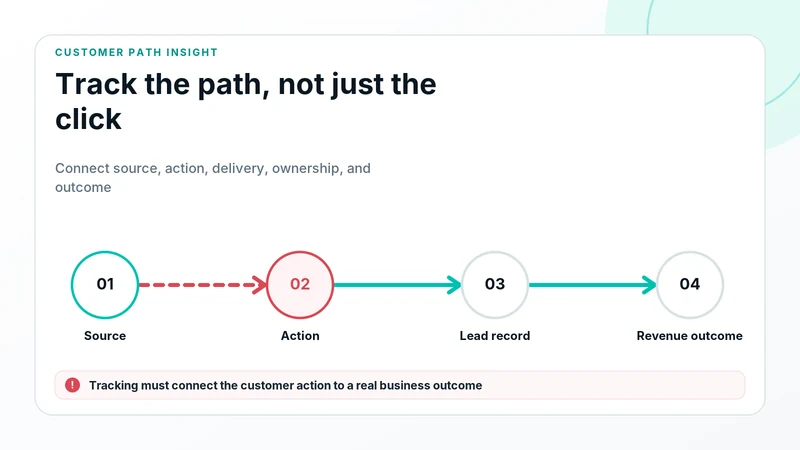 Tracking & Attribution
How to Track Leads From Your Website End to End
Track website leads from traffic source and landing page through calls, forms, bookings, notifications, CRM delivery, ownership and sales outcomes.
Read the guide →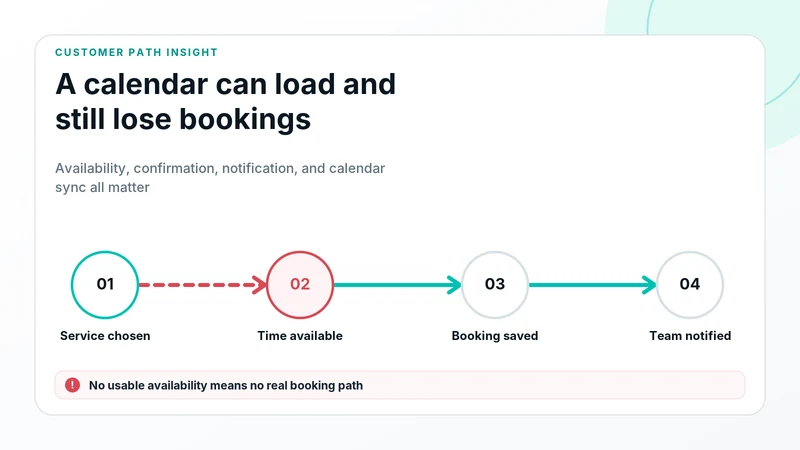 Bookings & Scheduling
Booking Form Not Working? A Complete Troubleshooting Guide
Booking form or calendar not working? Test links, availability, fields, payments, confirmations, calendars, notifications and CRM delivery.
Read the guide →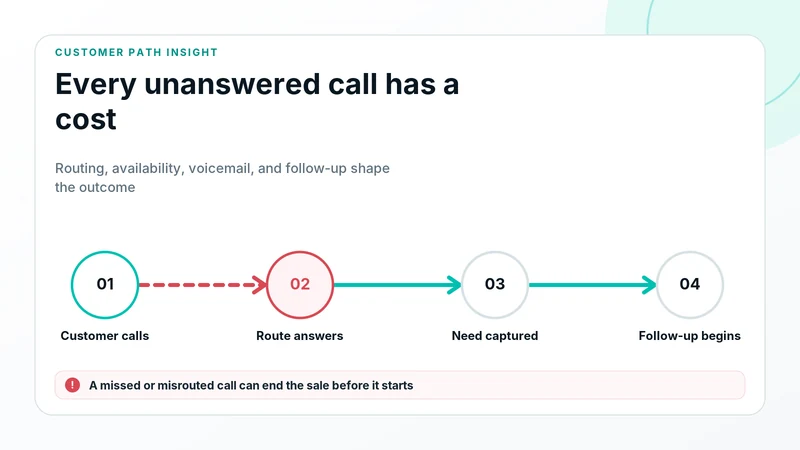 Calls & Communication
How Missed Calls Cost Small Businesses Leads
Missed and misrouted calls waste high-intent leads. Learn how to audit phone numbers, routing, after-hours handling, alerts and callback ownership.
Read the guide →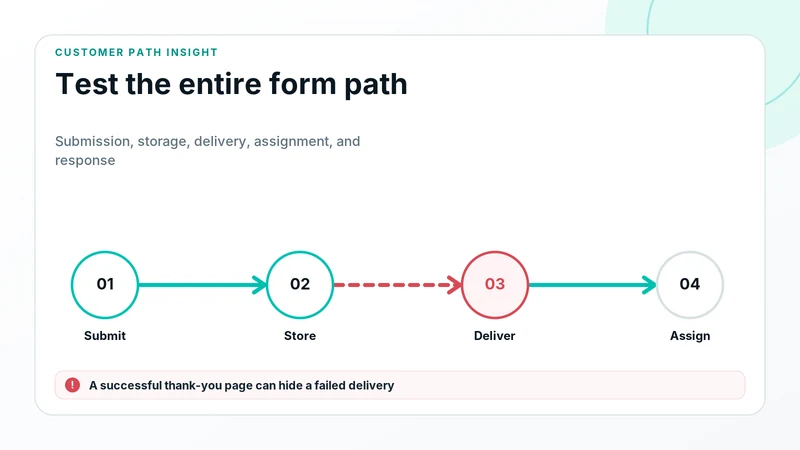 Forms & Lead Capture
How to Know if Your Contact Form Is Actually Working
Use this end-to-end contact form test to verify availability, submission, confirmation, email, webhook, CRM delivery, assignment and mobile behavior.
Read the guide →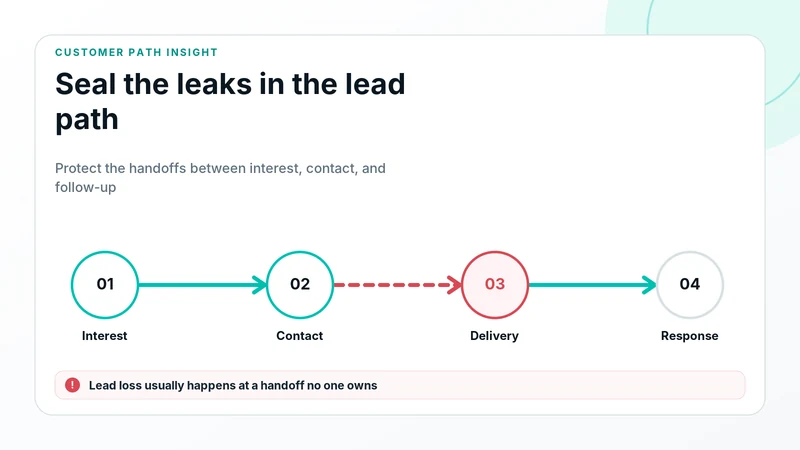 Lead Loss Prevention
How to Stop Losing Website Leads Between Click and Follow-Up
Stop losing website leads by protecting calls, forms, bookings, tracking, notifications, CRM delivery, routing, ownership and response.
Read the guide →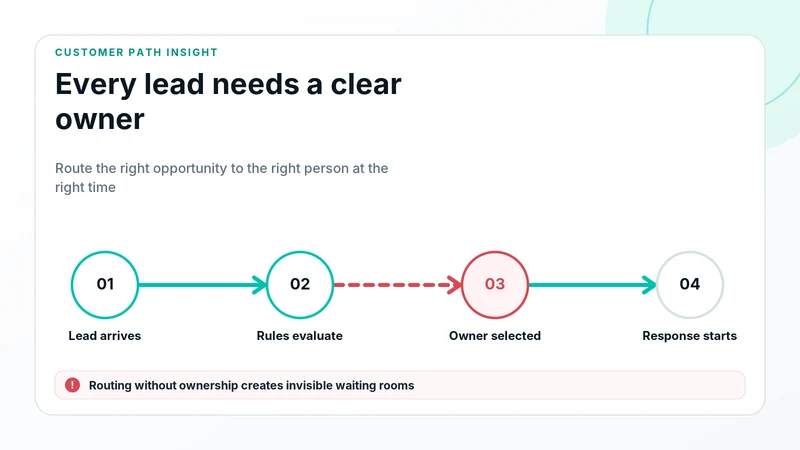 CRM & Lead Management
What Is Lead Routing and Why Does It Matter?
Lead routing directs inquiries to the correct team, location or workflow. Learn routing methods, common failures, testing and ownership.
Read the guide →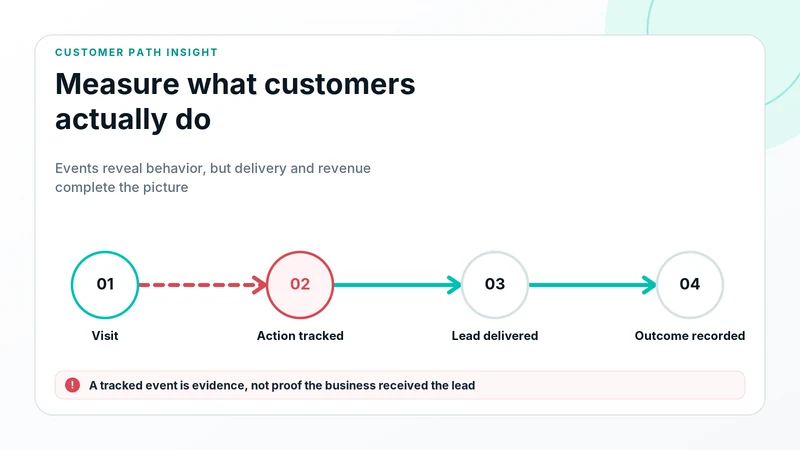 Tracking & Attribution
Why Is Conversion Tracking Important for a Business?
Conversion tracking connects marketing with calls, forms, bookings and sales actions. Learn what it measures, what it cannot prove and how to test it.
Read the guide →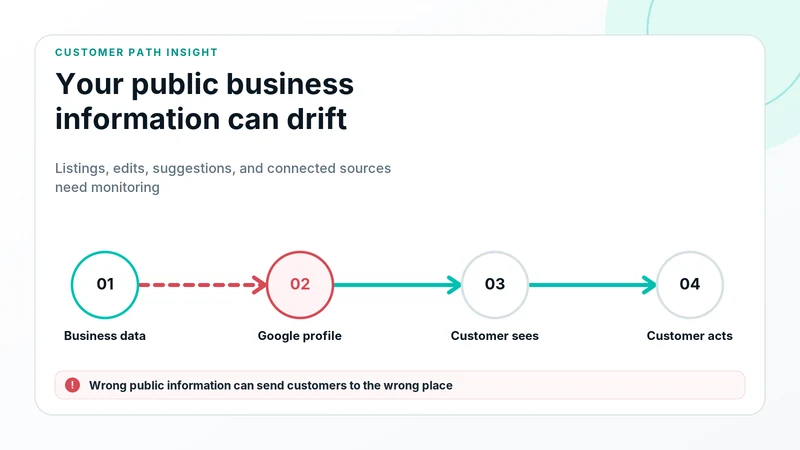 Local Visibility
Why Does Google Business Profile Information Change?
Google Business Profile hours, phone numbers, links and categories can change. Learn why, what to monitor and how to verify the customer path.
Read the guide →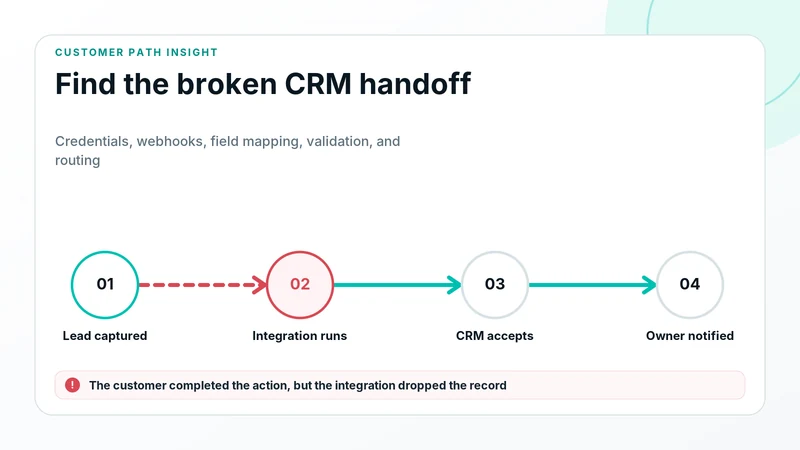 CRM & Lead Delivery
Why Website Leads Are Not Reaching Your CRM
Website forms or bookings not creating CRM records? Diagnose credentials, webhooks, field mapping, validation, duplicates, routing and permissions.
Read the guide →Free diagnostic tool
Build your lead-tracking map.
Trace a website lead from source and conversion through CRM delivery, ownership and follow-up. The result flags assumed and unknown handoffs without requiring an account.
Open the Revenue Path MapFree browser diagnostic
CRM Lead Delivery Troubleshooter
A form can show success while the opportunity disappears before sales sees it. Prioritize checks across delivery, CRM receipt, routing, assignment and follow-up.
Troubleshoot a missing leadPhone and booking reliability
Missed Call Revenue Calculator
Estimate the opportunity exposed by unanswered calls, then follow the route, callback owner, booking, and CRM outcome with evidence.
Run the missed-call numbersSource-to-revenue attribution
Keep campaign truth connected to the CRM outcome.
Audit the handoff, pass UTMs into the CRM, fix missing source fields, and explain analytics-to-CRM differences without forcing unlike totals to match.
UTM-to-CRM Attribution Audit
Find where source data is captured, persisted, mapped, assumed, or lost before revenue.
Audit the path →ImplementationPass UTM Parameters Into a CRM
Capture, preserve, map, and verify campaign fields through lead and opportunity records.
Read the guide →TroubleshootingWhy CRM Lead Source Is Wrong or Missing
Trace stripped parameters, mapping gaps, duplicates, and overwrite rules.
Find the cause →ReconciliationWhy Analytics Conversions Do Not Match CRM Leads
Compare definitions, delivery evidence, records, source, and time windows.
Reconcile the systems →See what AvertSignal protects
Protect every path to a new customer.
See how AvertSignal protects the customer paths behind calls, forms, bookings, tracking, and delivered leads.
See What AvertSignal WatchesExplore for AgenciesStart with the business problem
Choose the diagnostic that matches what you are seeing.
Map the lead path, troubleshoot CRM delivery, estimate missed-call exposure, or check whether campaign source reached the CRM.
Explore all four diagnostic tools